
A lot of business owners turn off WordPress auto-updates for a completely reasonable reason: nobody wants a surprise update to break their theme, checkout, or contact forms overnight.
The problem is that leaving WordPress on an older version—and then jumping across multiple releases months later—can open a much bigger security hole. CVE-2026-119977, a core vulnerability affecting WordPress 4.7 through 7.1.3, proved that in a pretty unusual way.
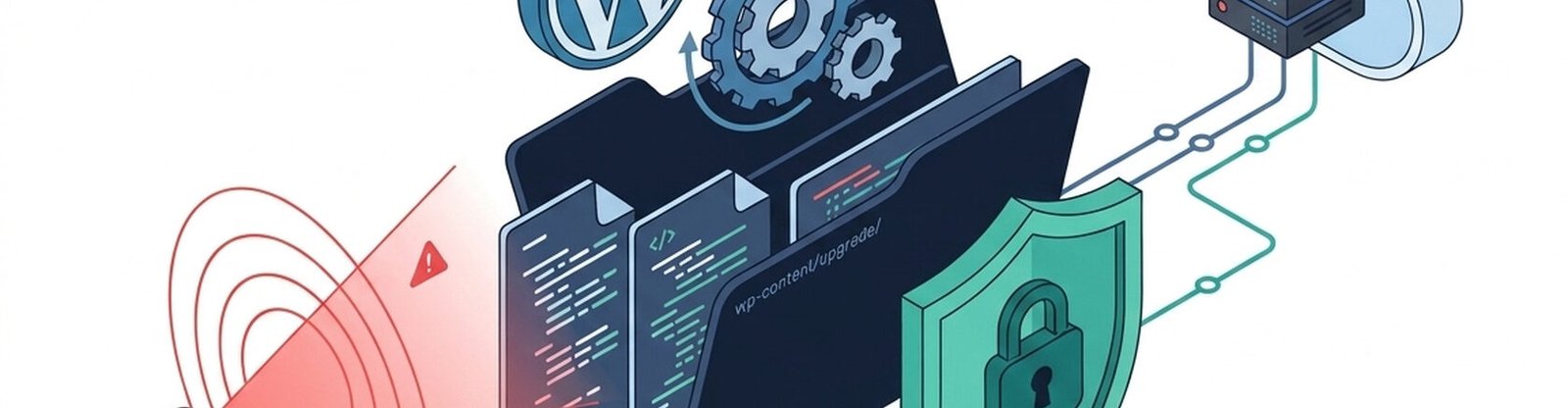
This isn’t a bug in a random third-party plugin or a sloppy theme. As Wordfence detailed, it is a race condition inside the WordPress core updater itself. When an unpatched site runs a full-package core update, WordPress temporarily unpacks the new files into a predictable folder under wp-content/upgrade/. For a few seconds while that update is running, an unauthenticated attacker who hits that path can trigger remote code execution (RCE) on your server before WordPress cleans up the temporary files.
Key Takeaways
- The update window itself was the bug: CVE-2026-119977 affects WordPress Core 4.7 through 7.1.3 and lets unauthenticated attackers run code during the brief seconds a full-package update is unpacking.
- Attackers are actively scanning for it: WordPress patched the flaw in 7.1.4 on October 28, 2026, and CISA added it to the Known Exploited Vulnerabilities (KEV) list on November 3 after confirming active exploitation.
- Wordfence Free protection lands November 27, 2026: Premium users got firewall coverage right away, while the Wordfence Free rule rolls out on November 27, 2026—making it smart to lock down your upgrade folder and patch core now.
- Update carefully, not blindly: Taking an off-server backup, blocking public access to
wp-content/upgrade/during the jump, updating to 7.1.4+ (or 7.1.5), and checking for leftover files closes the gap cleanly.
Affected vs. Safe WordPress Versions
<div style="overflow-x: auto; margin: 24px 0;">
  <table style="width: 100%; border-collapse: collapse; border: 1px solid #e2e8f0; border-radius: 6px; font-family: inherit; font-size: 14.5px; text-align: left; background-color: #ffffff;">
    <thead>
      <tr style="background-color: #0f172a; color: #ffffff;">
        <th style="padding: 12px 16px; font-weight: 600; border-bottom: 1px solid #e2e8f0;">Status</th>
        <th style="padding: 12px 16px; font-weight: 600; border-bottom: 1px solid #e2e8f0;">WordPress Version</th>
        <th style="padding: 12px 16px; font-weight: 600; border-bottom: 1px solid #e2e8f0;">Recommended Action</th>
      </tr>
    </thead>
    <tbody>
      <tr style="background-color: #fef2f2;">
        <td style="padding: 12px 16px; border-bottom: 1px solid #e2e8f0; font-weight: 600; color: #b91c1c; white-space: nowrap;">
          Affected Versions
        </td>
        <td style="padding: 12px 16px; border-bottom: 1px solid #e2e8f0; font-weight: 600; color: #0f172a; white-space: nowrap;">
          WordPress 4.7 to 7.1.3
        </td>
        <td style="padding: 12px 16px; border-bottom: 1px solid #e2e8f0; color: #334155; line-height: 1.5;">
          Take an off-server backup immediately and follow the safe upgrade steps below.
        </td>
      </tr>
      <tr style="background-color: #f0fdf4;">
        <td style="padding: 12px 16px; font-weight: 600; color: #15803d; white-space: nowrap;">
          Safe Versions
        </td>
        <td style="padding: 12px 16px; font-weight: 600; color: #0f172a; white-space: nowrap;">
          WordPress 7.1.4+ / 7.1.5
        </td>
        <td style="padding: 12px 16px; color: #334155; line-height: 1.5;">
          Your core version is patched. Keep minor security auto-updates enabled.
        </td>
      </tr>
    </tbody>
  </table>
</div>
Why This Matters Right Now
If your site is still sitting on WordPress 7.1.3 or an older branch, there are two clear reasons not to put off this update:
- CISA KEV Listing and Live Scanning: WordPress shipped version 7.1.4 (along with 25 backported security builds for older branches) on October 28, 2026. Just days later, on November 3, 2026, The Hacker News reported that CISA added CVE-2026-119977 to its Known Exploited Vulnerabilities (KEV) catalog after confirming that automated scanners are actively probing for sites mid-upgrade.
- Wordfence Free Firewall Rollout (November 27, 2026): While Wordfence Premium users received a firewall rule immediately, the rule for Wordfence Free users rolls out on November 27, 2026. Even with a firewall active, a rule is only a temporary shield—it doesn’t replace patching WordPress core.
4 Steps to Safely Update an Older WordPress Site
If you’ve had auto-updates turned off and need to bring an older site up to WordPress 7.1.4+ (or the latest 7.1.5), don’t just click “Update Now” on a live storefront without prep work. Run through these four steps first:
- Take a full off-server backup: Before touching WordPress core, back up both your site files and your database to an off-server location (cloud storage or an external backup vault). If a theme or plugin breaks after a big version jump, you want a clean restore point that isn’t sitting on the same server.
- Block public access to
wp-content/upgrade/during the update: Because upgrading from 4.7–7.1.3 still uses the pre-patch updater to run that jump, temporarily block HTTP access towp-content/upgrade/at the server level (via.htaccessor Nginx rules) while the core files unpack. That shuts the race-condition window completely. - Update to WordPress 7.1.4+ (latest 7.1.5): Run the upgrade—ideally testing plugins and checkout flows on a staging copy first—and leave minor security auto-updates enabled afterward so critical patches don’t pile up again.
- Check
wp-content/upgrade/for leftover files: Once the update finishes, openwp-content/upgrade/via FTP or your file manager to make sure it is clean and no stale staging folders or unfamiliar PHP files were left behind.
At Dave Creation Web Development, we handle WordPress upgrades with a strict staging, off-server backup, and firewall checklist—so business owners get critical security patches without waking up to a broken site. You can also find more practical engineering and security guides on the Dave Creation Blog (add your blog URL).
Keep Maintenance Routine—Not Urgent
Most WordPress security incidents don’t happen because a business owner didn’t care; they happen because updates felt risky, so they got pushed off until a routine patch turned into an emergency. Keeping minor security updates turned on—paired with staging tests and off-server backups—keeps your site stable and out of automated attackers’ sights.
Need a security check, a safe WordPress 7.1.5 upgrade, or ongoing maintenance? Reach out via the Dave Creation Contact Page and our team will take care of it cleanly.
Frequently Asked Questions (FAQs)
1. Should I turn off WordPress auto-updates to keep my site from breaking?
No. Turning off security updates creates far more risk than it prevents. Keep minor security auto-updates turned on, and handle major version upgrades on a staging site with a fresh off-server backup.
2. If I run Wordfence Free, am I automatically safe without updating WordPress?
No. While the Wordfence Free firewall rule rolling out on November 27, 2026 helps block exploit attempts targeting wp-content/upgrade/, a firewall is only an extra layer. Updating WordPress core to 7.1.4+ / 7.1.5 is the only permanent fix.
3. How can I check if my WordPress site is affected by CVE-2026-119977?
Log in to your WordPress admin and go to Dashboard → Updates (or Tools → Site Health). If your core version is between 4.7 and 7.1.3, your site is affected and should be backed up and upgraded to 7.1.4+ / 7.1.5 using the steps above.
Leave a Comment